
Free workshop tools

What should you charge per hour?

Work out a labour rate that covers every cost, pays you properly and leaves real profit. Built for NZ and Australian workshops. Free, with no sign-up.

Labour rate calculator

Give your labour rate a tune-up

Fill in your numbers. Your rate updates as you type.

Where's your workshop?

Your team

Everyone on the tools who bills time. Count an apprentice, or yourself if you’re half on the tools, as 0.5.

/hr

Average hourly pay across your techs.

hrs
%

KiwiSaver (3.5%) plus your ACC levy. Leave is covered by weeks worked, below.

Your costs

%

Overheads are everything except tech wages: office staff, your own drawings if you’re not on the tools (or half if you’re 50/50), rent, power, insurance, software and consumables. Easiest way: take total expenses from last year’s profit and loss, minus tech wages, and divide by 52.

Parts profit pays for some of your overheads, so labour doesn’t have to carry them all. 25% is a fair starting point. Use more if you sell a lot of parts, or 0% if labour has to cover everything.

Your hours

hrs

Hours you actually charge customers for. That’s 75% of paid hours.

wks

52 weeks, minus annual leave, public holidays and sick days.

Your goals

/hr
  • Count every cost

    Including the ones that never show up on an invoice.

  • Pay yourself

    If your rate doesn't cover your wage, you've bought a job.

  • Bill the hours, not the clock

    Your rate has to work on billable hours only.

Auxo Workshop dashboard showing how the workshop is performing

How it works

Under the hood

First we add up a year of tech wages and employer costs. Wages run for all 52 weeks, because you pay for leave, public holidays and sick days too.

Then we add labour's share of your overheads. Parts profit pays for some of them, so labour only carries the rest.

We divide that by the hours you actually bill, not the hours you're open. That's your break-even rate. Last, we add your profit margin. A 20% margin means 20 cents of every labour dollar is profit.
Your rate's sorted. Now make it stick.

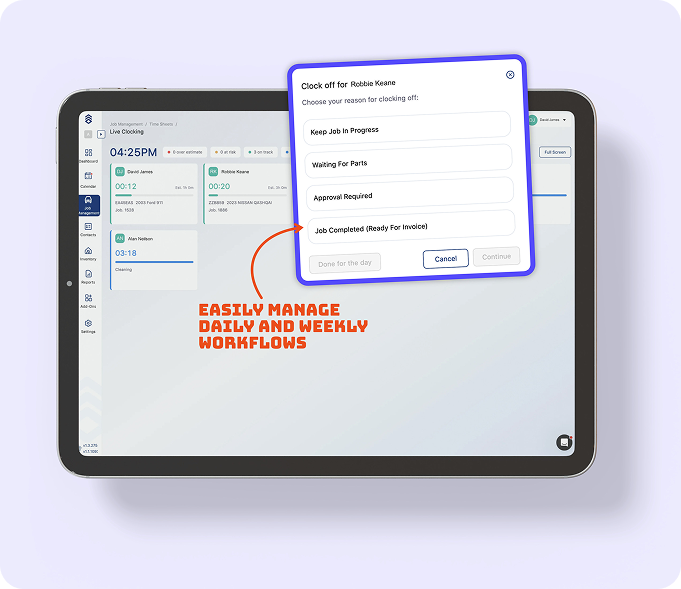
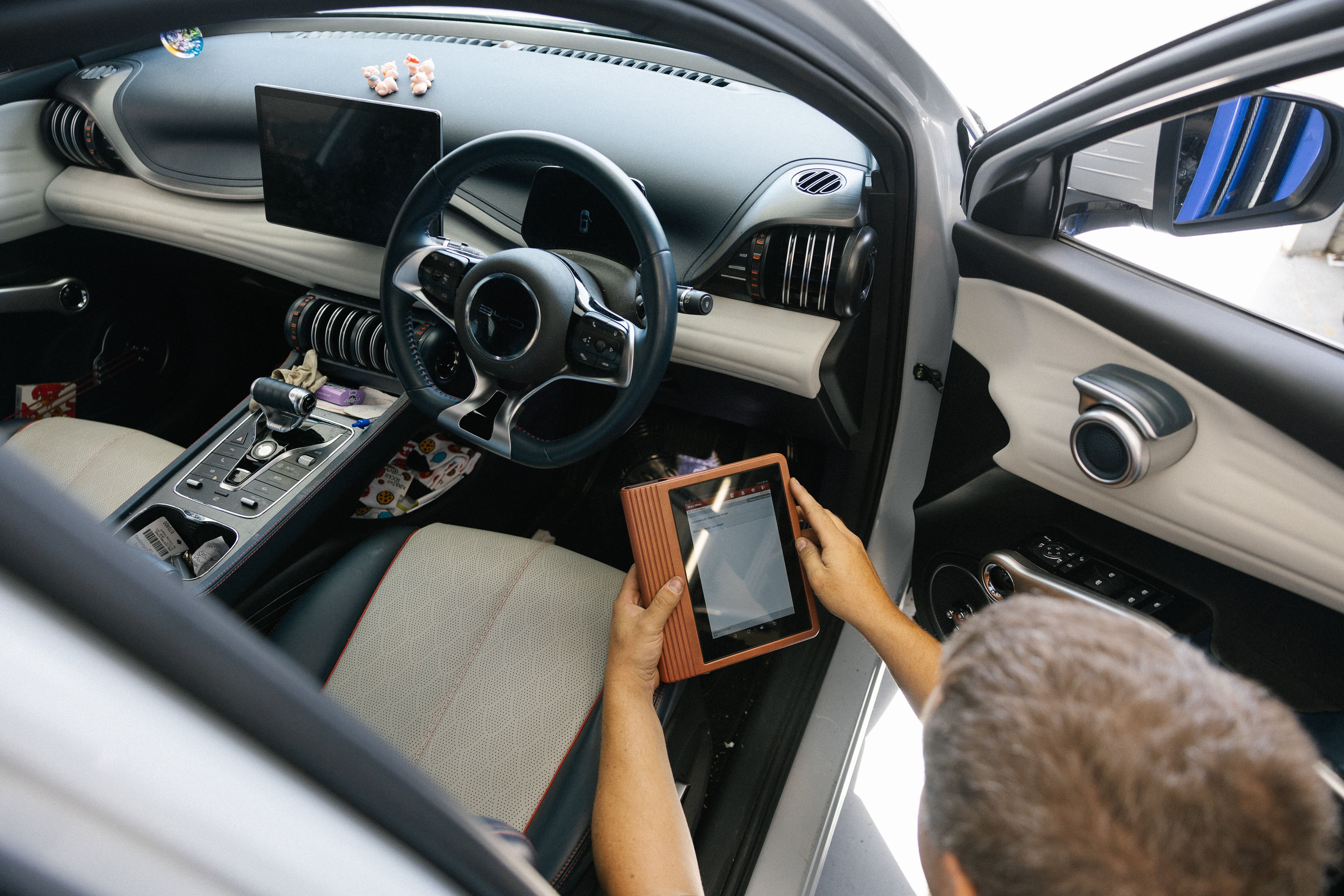
Auxo Workshop gives you the tools and reports to see how your workshop is really tracking, job by job.

Book a demo

Questions from the workshop floor

How do I work out my labour rate?

Add up a year of tech wages plus labour's share of your overheads, then divide by the hours you actually bill. That gives you your break-even rate. Then divide your break-even by (1 minus your margin). For example, a $100 break-even with a 20% margin gives a $125 rate.

What costs should I include?

Technician wages and employer costs, office staff, rent, power, insurance, software, tool replacement, consumables, loan repayments and accounting fees. If you pay for it to keep the doors open, it goes in. The quickest way is last year's profit and loss: total expenses, minus tech wages, divided by 52.

Why does parts profit come into it?

Parts profit pays for some of your overheads, so labour doesn't have to cover them all. A quarter is a fair starting point. If you sell a lot of parts, set it higher.

Should I include my own pay?

Yes. If you're on the tools, count yourself as a tech (or 0.5 if you're half on the tools and half in the office). Put the rest of your drawings in overheads. Otherwise your "profit" is just your wage.

How many hours should my techs bill?

A good starting point is 75% of paid hours, or 30 hours in a 40-hour week. Check yours against your job cards.

What's the difference between margin and markup?

Margin is profit as a share of the price. Markup is profit as a share of cost. A 25% markup is a 20% margin, so the same dollar figure looks bigger as a markup.

Do I quote with or without GST?

Show retail customers GST-inclusive prices. In New Zealand, GST is 15% and you must register once turnover passes $60,000. In Australia, GST is 10%, with a $75,000 threshold.

Should every job be the same rate?

Not always. Many workshops charge more for diagnostics, ADAS calibration and EV or hybrid work, which need extra training and gear.